
The most powerful time tracking software for teams.
Track work hours, monitor productivity, and manage attendance from a single platform.
- See exactly where every hour goes — no more guessing.
- Screenshots, activity, and attendance in one dashboard.
- Managers get answers in minutes, not meetings.
- Setup in Minutes
- Windows & Mac
- 14-Day Money Back
Trusted by teams across industries.
Everything your team needs.
Screenshots
Work captured, automatically.
Workotick takes screen captures on a schedule so managers always have context.
Captured every 10 minutes · 9 of 48 today
Time Tracking
Every hour logged, hands-free.
Start a timer and Workotick handles the rest. Hours tracked by project with idle detection built in.
Currently tracking
Mobile App — Design Sprint
06:24
Today's time by project
This week
32h / 40h
Billable
28h
Idle
4h
Attendance
Know who's in and who's out.
Clock-ins happen automatically when work starts. No timecards, no spreadsheets, no chasing.
Activity
Focus, measured across the day.
Keyboard and mouse activity tracked continuously — shows focused, idle, and distracted time blocks.
76% average activity today
Active
6h 12m
Idle
1h 04m
Offline
44m
Apps & Sites
See where every hour actually goes.
Every app and website used during work is logged with time spent so hours are always accounted for.
Top apps
Top websites
Team Dashboard
Your whole team, live.
Every member's status, active app, and activity level in real time.
Active now
4 / 6 online
Avg activity
76%
Hours today
23h
Projects
Time billed per project.
Hours are automatically tagged to projects and clients.
Timesheets
Timesheets that write themselves.
Accurate weekly timesheets built from tracked data.
Auto-generated from tracked time
Real-Time
Everything happening, right now.
A live feed of who's working, what they're on, and how focused — updated every second, org-wide.
Active now
4 / 6
Events today
312
Last ping
0s
Working now
Working now
On break
Clocked out
Working now
Clocked out
Every report you need, built in.
Attendance, overtime, projects, departments. All the data your managers actually act on.
Attendance Report
Layla Hassan · May 2026
Layla Hassan
SEO
Attendance Report
Per-member daily breakdown with clock-in/out times, active hours, and remarks. Weekends and holidays included.
Department Report
May 2026
Active Hours
841h 39m
Target Hours
1224h
Overall Goal
69%
 James Carter
 Priya Nair
Department Report
Compare active hours, goal progress, and member breakdowns across every department. Drill into any team in one click.
Project Report
May 2026
Total Hours
121h 34m
Avg / Project
24h 18m
Top Project
Brand Refresh
Project Report
See exactly where hours are going across every project and client — with per-member breakdowns and share tracking.
Overtime Report
May 2026
OT Days
15
Early Days
119
Early Hours
-430h 12m
James Carter
Priya Nair
Layla Hassan

Ryan Park

Sofia M.
Overtime Report
Spot overtime patterns early and control workload before burnout becomes a problem.
See Workotick in action, live.
Get a 30-minute walkthrough with our team. We'll show you exactly how Workotick fits your workflow and answer every question on the spot.
- 30-minute personalized walkthrough
- Live Q&A with product specialists
- Free onboarding support included

You can't improve
what you can't see.
Most teams don't have a productivity problem. They have a visibility problem.

No visibility
Managers guess who's productive. Every check-in is a distraction.

Oversight feels like surveillance
No shared data means oversight looks like distrust.

Reviews become opinions
Without facts, performance conversations go nowhere.
Real teams. Real results.
Here's what happens when your team finally has visibility.
We wanted better visibility across the team without creating extra management overhead. Workotick gave us exactly that: clear data, fewer check-ins, and a team that actually trusts the process.”

Ahmed Rauf Essa
Founder, ARE Ventures

As our team grew, keeping track of projects, attendance, and accountability became impossible. Workotick brought structure without changing how we work. Our managers are less reactive and our team is more focused.”

Raffi O.
CEO, Max Pull Marketing

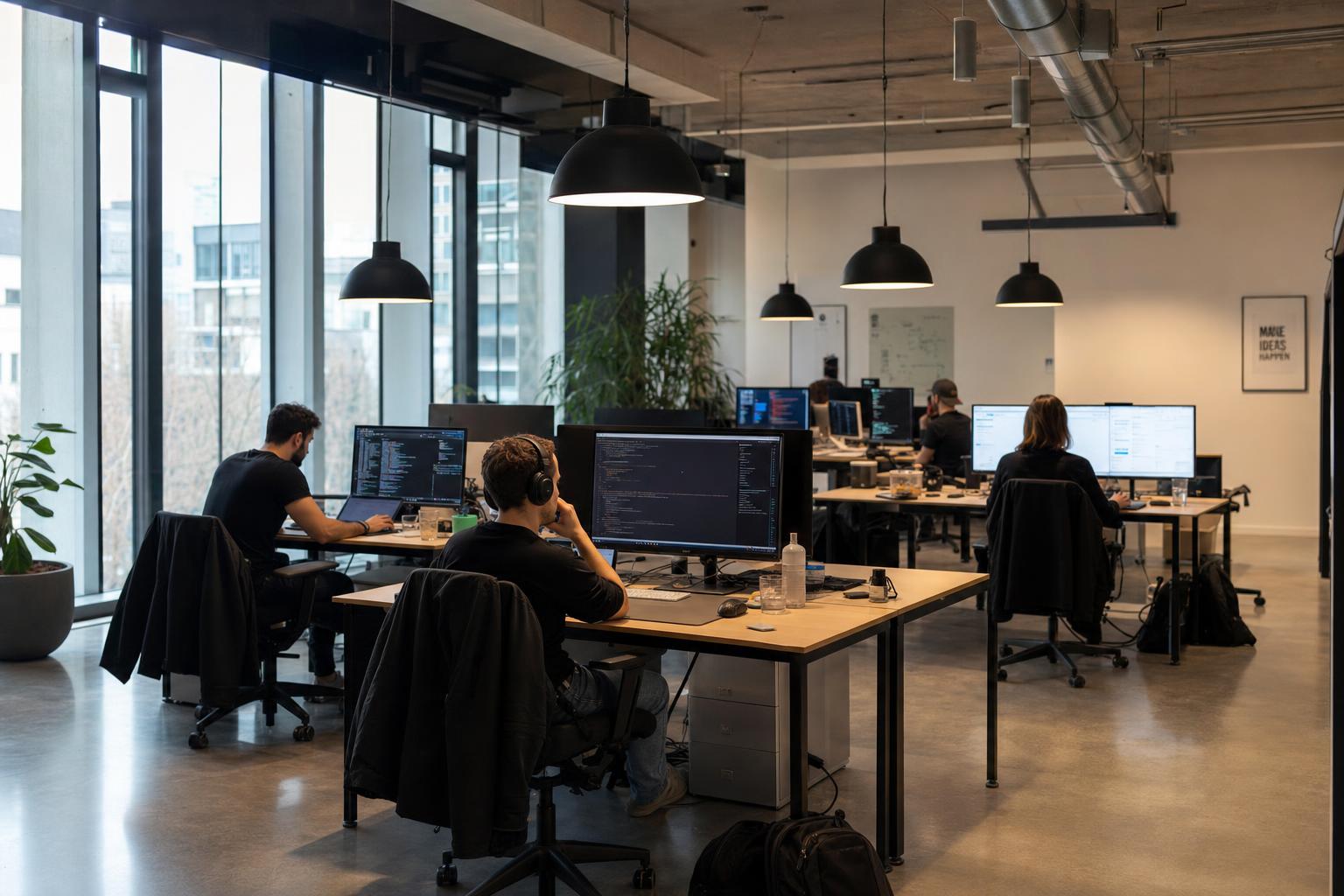
We built Workotick because every manager deserves a clear picture of where their team's time actually goes.
We had a growing team and I genuinely had no idea who was working on what on any given day. I was messaging people for updates, running standups that wasted an hour, and still leaving every week feeling like something slipped through the cracks. No tool gave us clarity without making the team feel watched. That frustration is exactly what pushed us to build Workotick.
Your data belongs to you.
Workotick is built to help organizations improve visibility without compromising security. We protect your data with secure infrastructure, encrypted communication, and controlled access permissions.
Secure Data Storage
Data is securely stored and protected using industry-standard security practices.
Role-Based Access
Control who can view reports, screenshots, and team activity with permission-based access.
Encrypted Communication
Data transmitted between devices and Workotick is protected using secure encryption protocols.
Frequently asked questions.
Yes. Book a demo and we'll walk you through it live — every feature included, no commitment.
Yes. Workotick offers desktop applications for both Windows and macOS.
Yes. Employees can access their own data, including tracked hours, attendance, and activity information based on their assigned permissions.
Yes. Workotick is designed for office, hybrid, and fully remote teams.
No. The desktop application is lightweight and designed to run in the background with minimal impact on performance.

“What gets measured gets managed.”
The most powerful time tracker built for modern teams.
Start building a more accountable team.
- Setup in Minutes
- Windows & Mac
- 14-Day Money Back